
Ship App Store previews without the rejection loop.
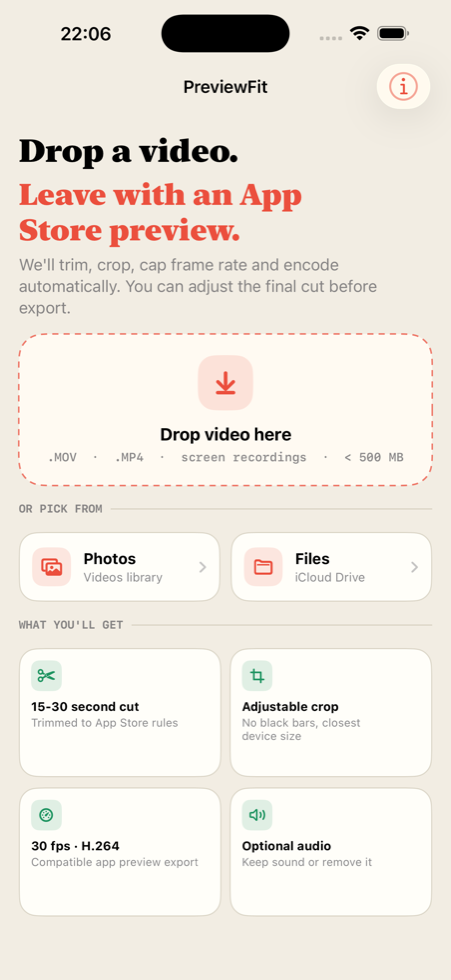
Preview Fit turns screen recordings into App Store ready preview videos. The format, resolution, duration, and frame rate are correct before you upload.
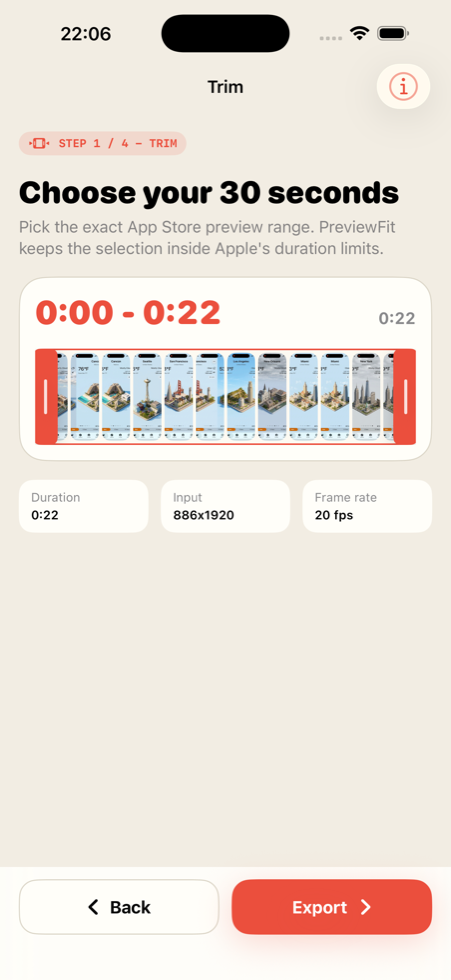
- Duration
- 15–30 seconds
- Frame rate
- 30 fps locked
- Output
- H.264 MOV / MP4
- Devices
- iPhone, iPad, Mac
What it checks
Built for the upload failures App Store Connect actually catches.
Preview Fit handles the technical checks Product Pages expect, so the file you upload matches what App Store Connect accepts.
Workflow
Import, frame, export. Preview ready.
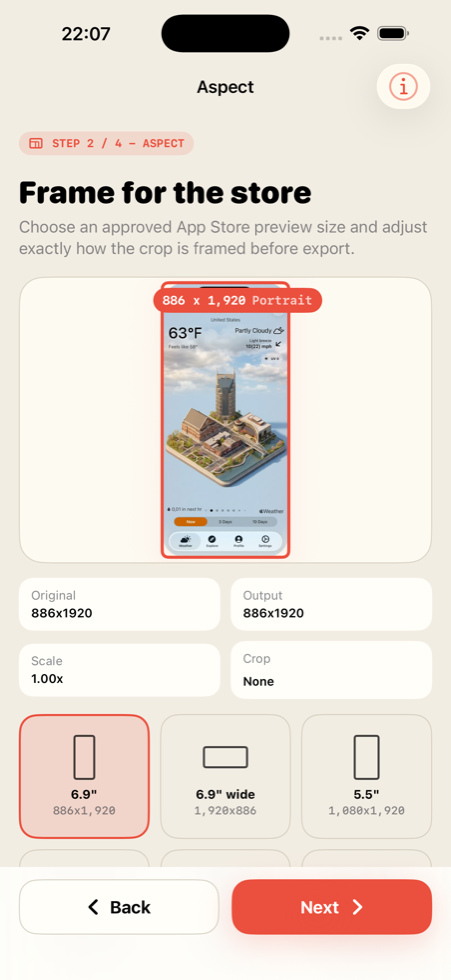
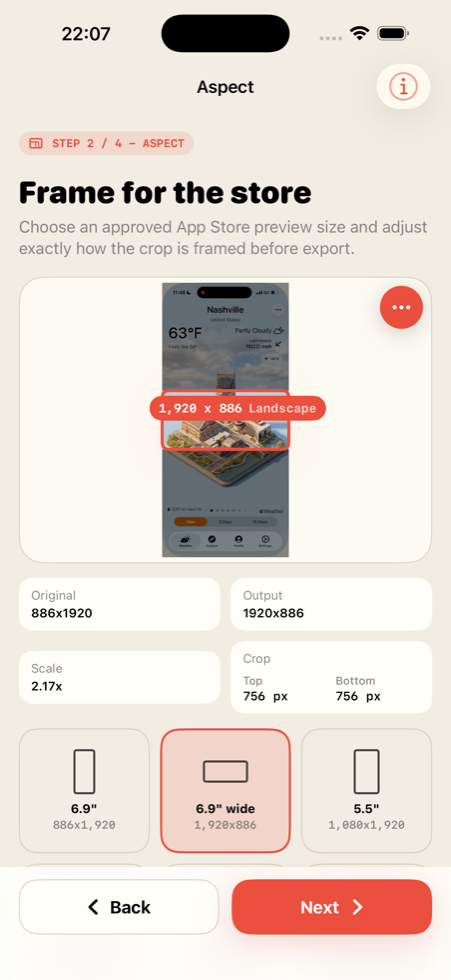
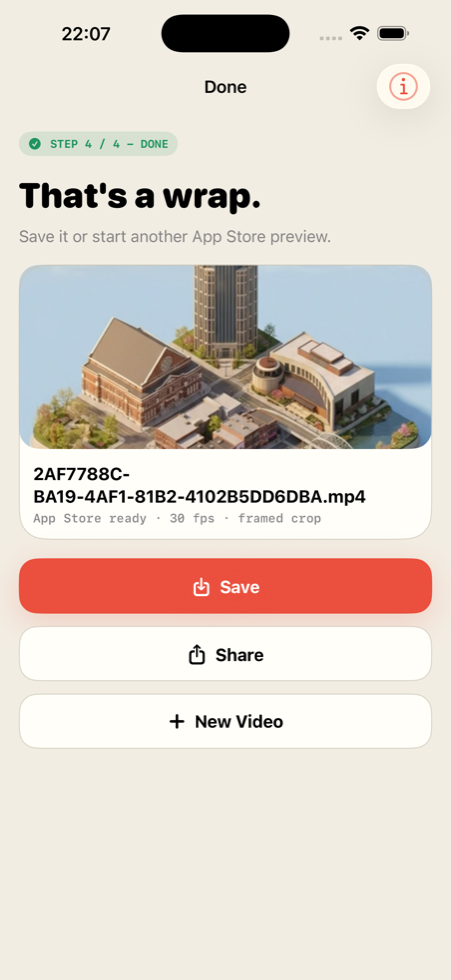
Pick a recording, choose the moment that sells the app, fit it to the target device, and export a clean preview file.
Why Preview Fit
Made for App Store preview video work.
Screen recordings often fail late because one technical detail is off. Preview Fit keeps the checks in the export path so the final file lands closer to what App Store Connect expects.
- Center-crop framing for portrait and landscape outputs.
- Optional audio removal for clean product page videos.
- Drag and drop on iPad and Mac, native pickers on iPhone.
- Clear requirement checks before export.
Stop guessing the upload spec.
Preview Fit handles trim, crop, frame rate, and container so the export is ready for App Store Connect.
Questions about the app? Email Appmost.